WP Adminify
A redesign of the WordPress admin that strips away developer clutter and leaves a focused, branded workspace.
Context
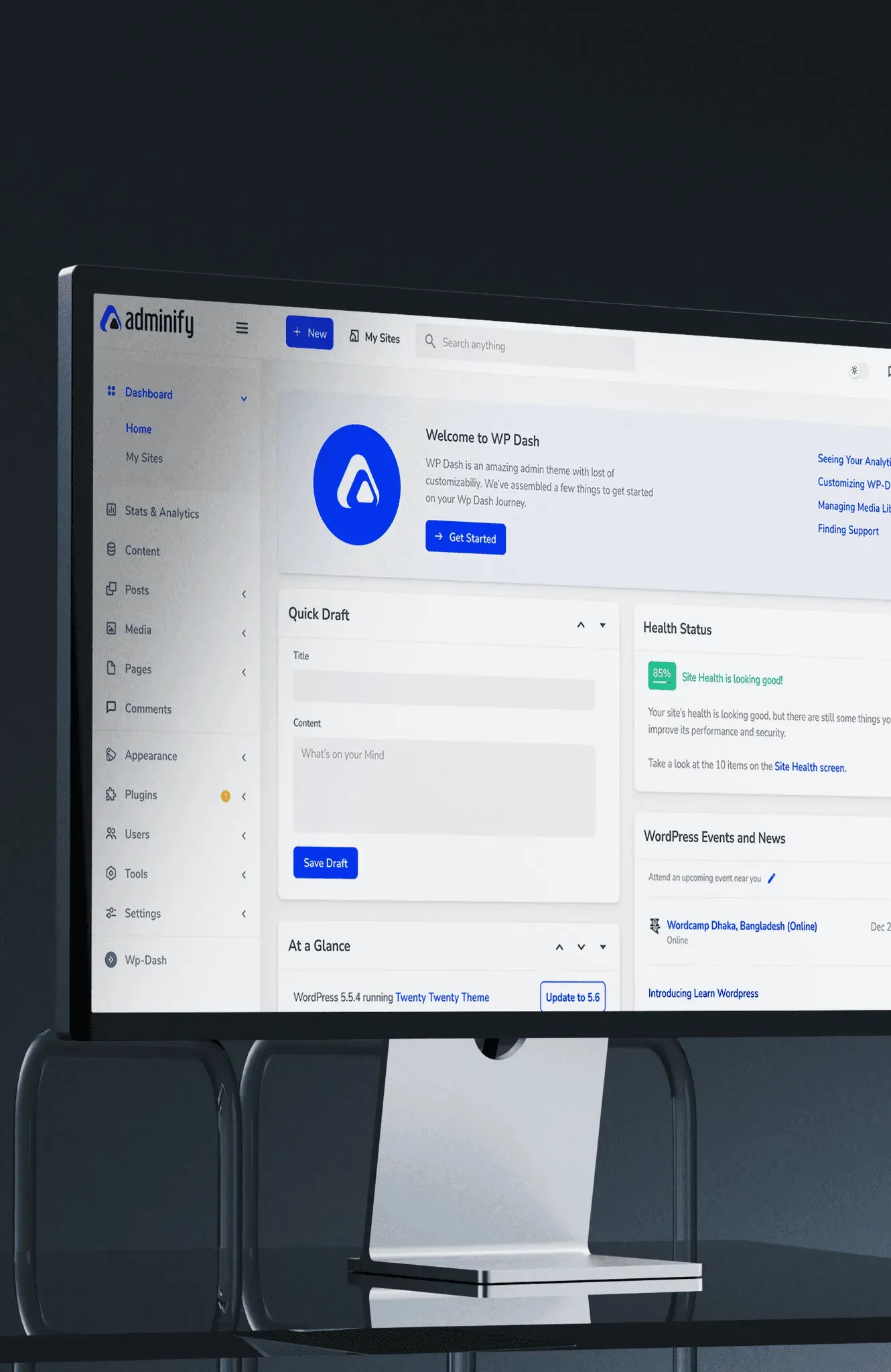
WordPress powers about 40% of the internet, and its admin panel has a large UX gap. It is powerful, but it isn’t intuitive. This project redesigns that workspace: it strips away the developer clutter and leaves a workspace that is focused, branded and built around people.
A crisis of cognitive load
To find the friction points, we ran user interviews and usability tests with a mixed group of users, from heavy power users to non-technical beginners.
- Legacy architectureThe default interface is stuck in a blog-centric mental model. It doesn’t support the structure of modern e-commerce and application sites.
- The plugin paradoxTo fill feature gaps, people rely on third-party plugins. These flood the dashboard with clashing UI patterns, aggressive notifications and disorganised widgets.
- A fragmented experienceThe result is a noisy, inconsistent environment with a steep learning curve for new users that slows down daily management.
What the research found
- 67% were confused about posts versus actual site content, and which post or page goes where.
- 31% weren't sure where to start.
- 43% were concerned about plugin security. 23% of them had been affected by plugin-related scams before.
- 67% thought the UI was clunky and were confused about which plugins to use.
- 23% were paying separate subscription fees for analytics, field management and validation.
The solution
A bespoke digital workspace
To turn the chaotic default interface into a professional product suite, we used WP Adminify to carry out a three-part design strategy.


- Audit and declutterWe analysed the information architecture, hid unnecessary menu items and suppressed the “bloat” notifications that confuse non-technical editors.
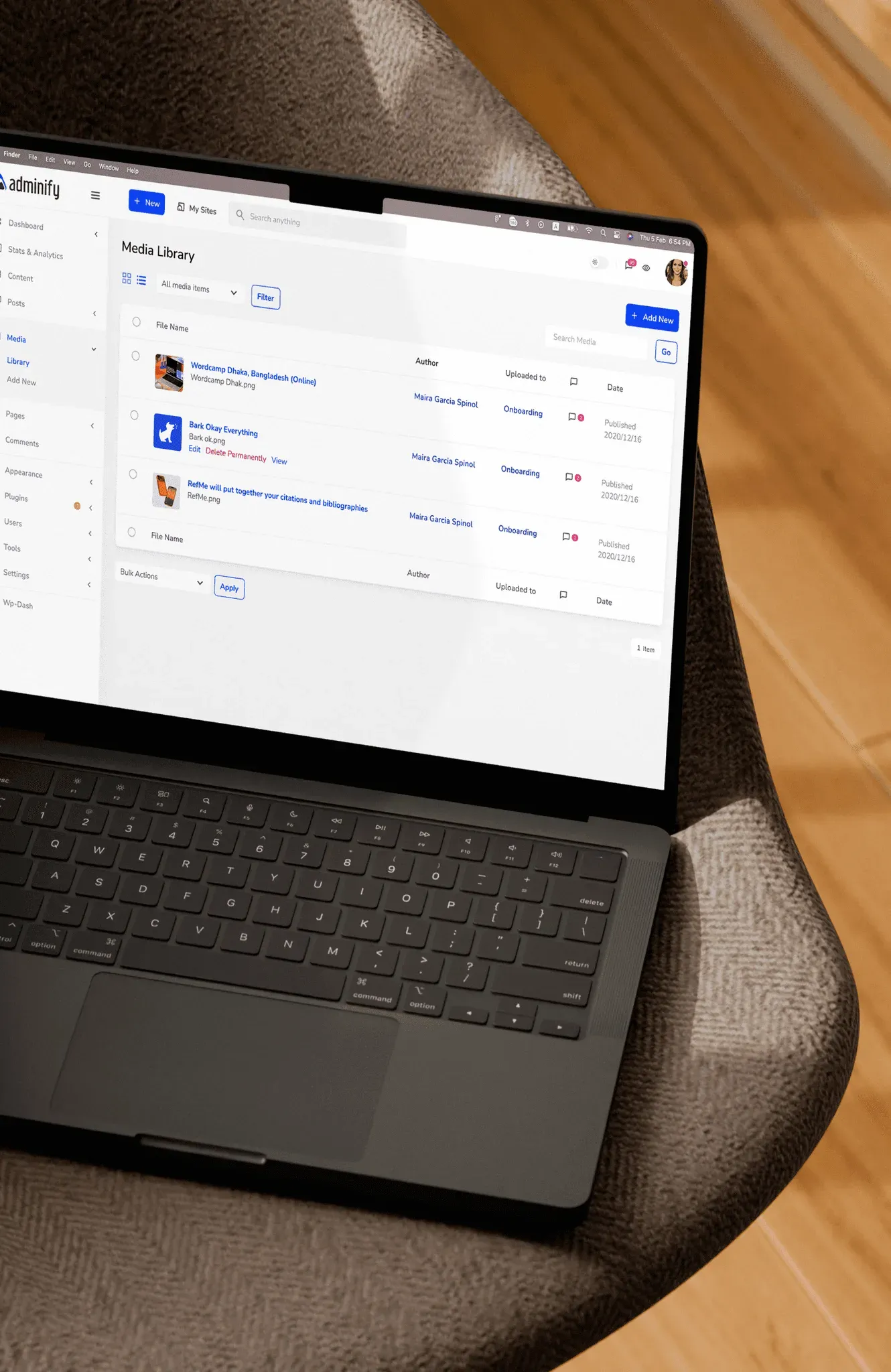
- Re-architected navigationWe cut the cognitive load by restructuring the sidebar. Using the Menu Editor, we grouped related plugins, renamed technical jargon to plain terms, and hid menus that non-technical users never need to touch.
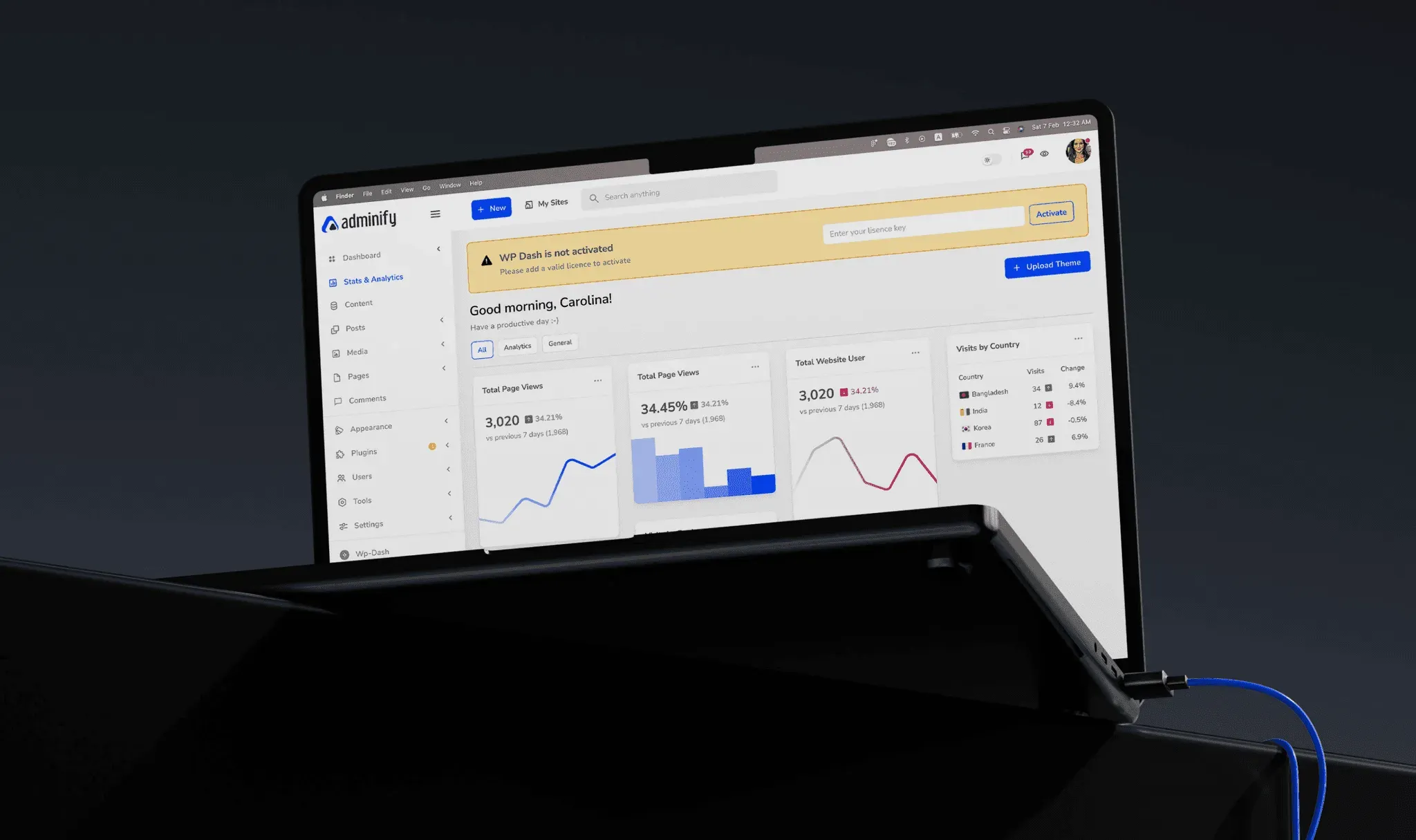
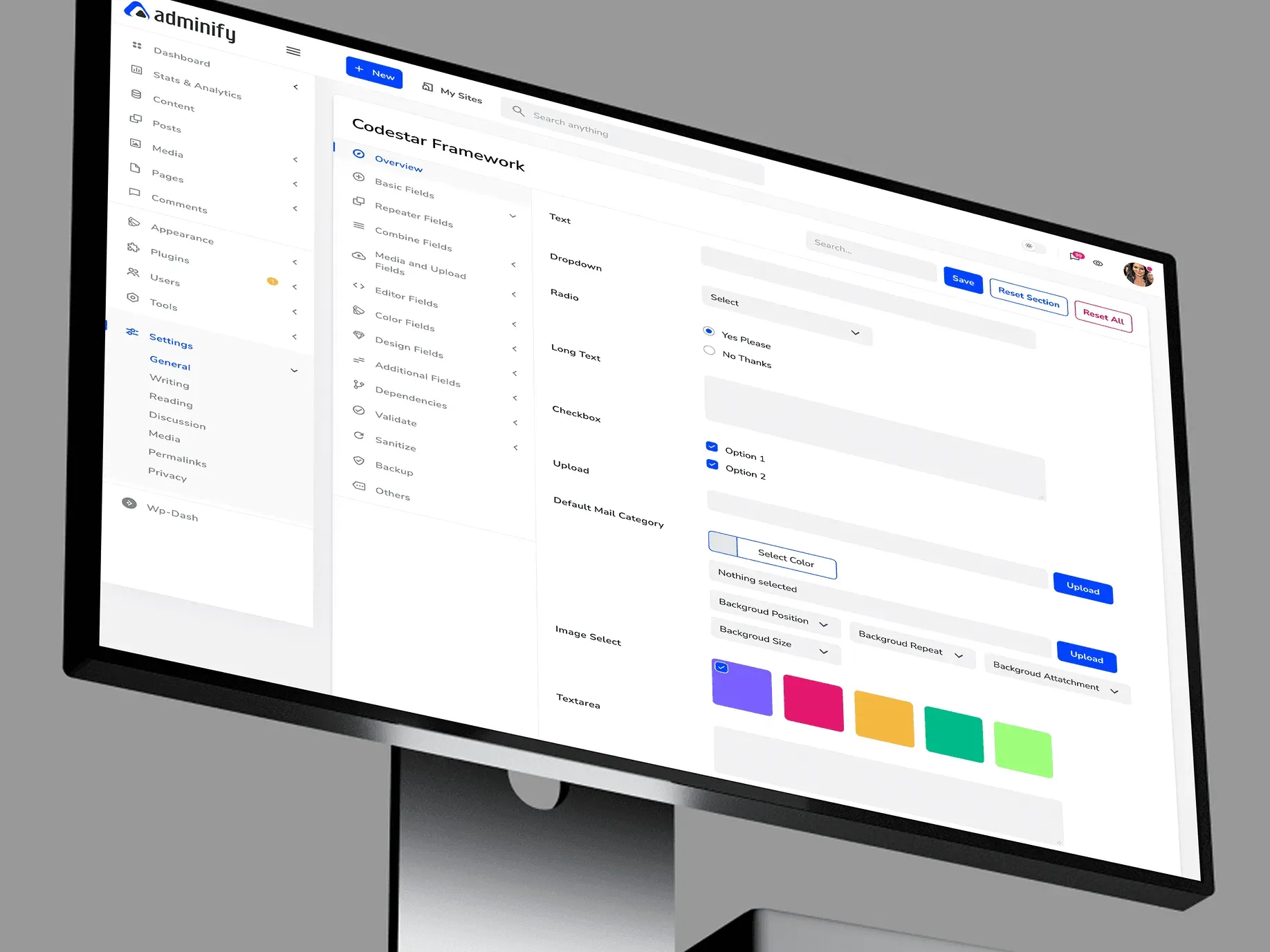
- Modern UI and accessibilityTo fix the legacy design, we applied a modern UI template with a native dark mode. It improves visual hierarchy and reduces eye strain for administrators who manage content for long stretches.
We defined the visual language and user experience that powers WP Adminify
What we did
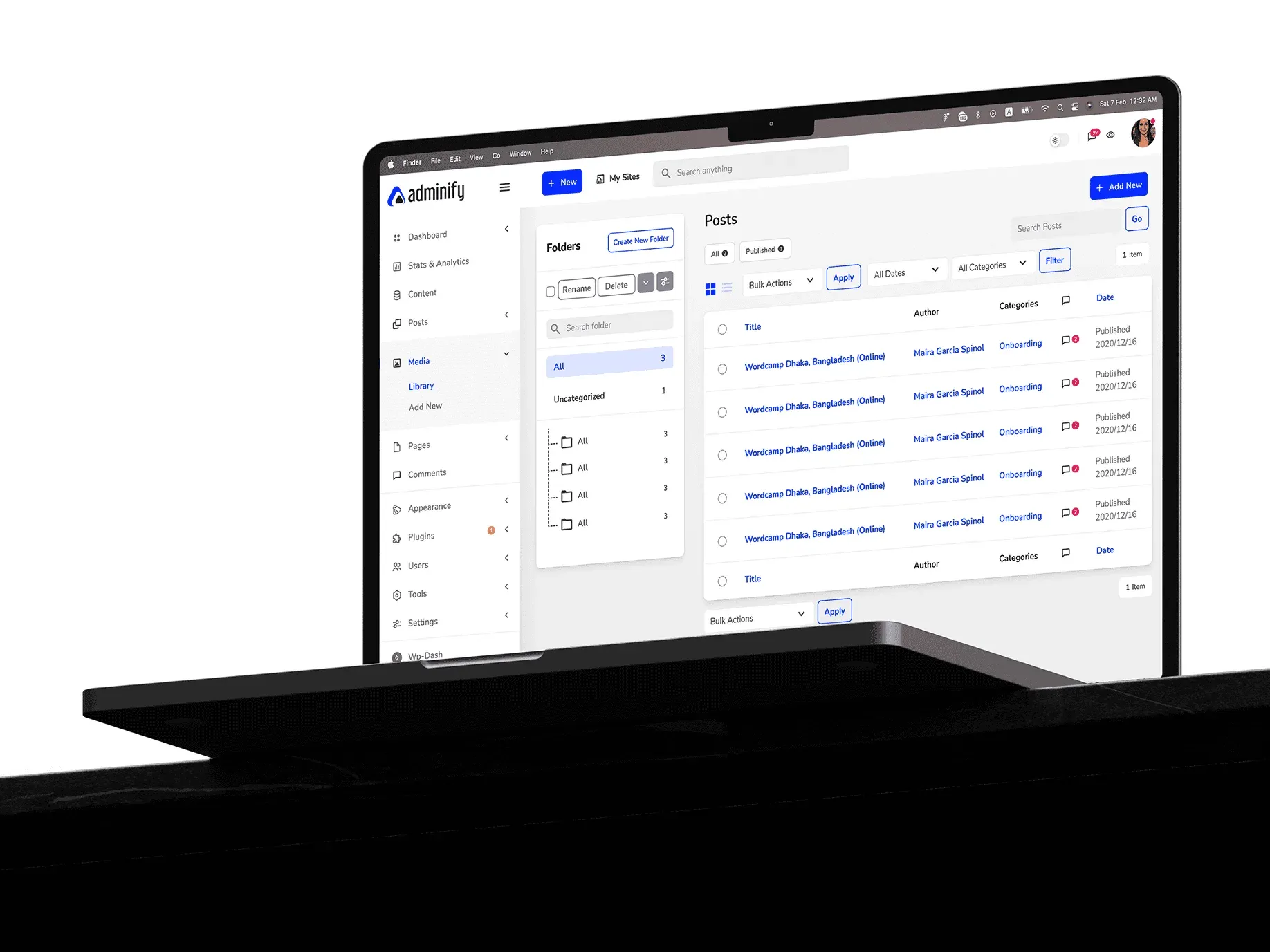
We partnered with the WP Adminify team to design the first MVP, focusing on:
- Identifying user needs
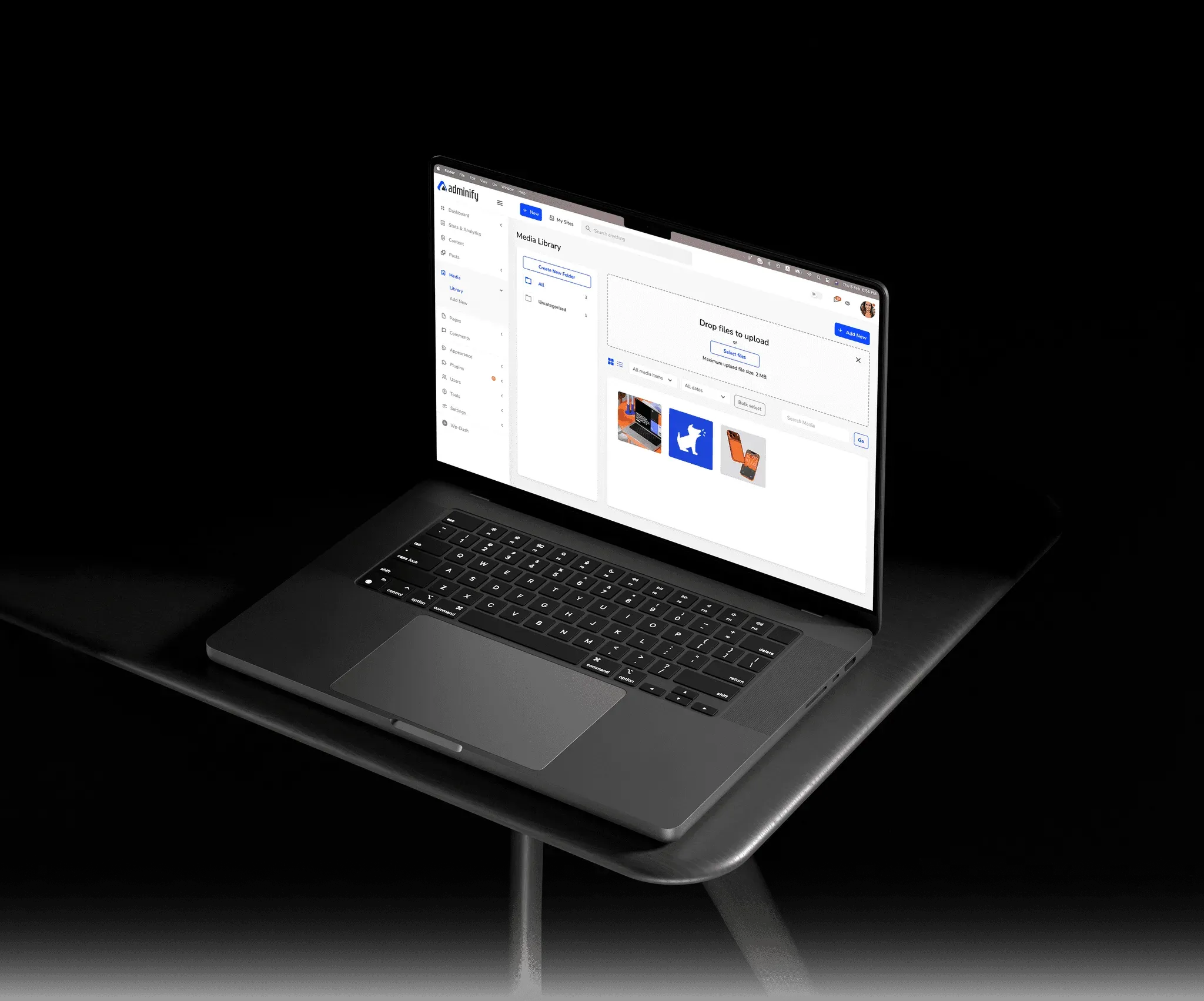
- Complete dashboard customisation
- Clear navigation and hierarchy
- An intuitive design with no learning curve
- More productivity, less friction
- A scalable design system for future features
Crafted for intuitive use and delight at every touchpoint
Faster, cleaner and stable
The verdict from WordPress users is in.
The plugin is stable and does not affect performance, which is a significant advantage.
 @gdimitrov · WordPress.org
This plugin is very great: works fine, gives a very nice look to the WordPress Dashboard
 @peopleinside · WordPress.org
Support has been responsive and helpful, truly putting the customer first — a rare quality these days.
 Louis J Gleason · Developer and creator
This plugin lets me transform the UI, user-friendly, and fast—essential for a modern website backend.
 Sascha Donelasci · Web design agency
I am totally blown away with all that WPAdminify can do! ALREADY WAY BEYOND EXPECTATIONS!!
 @shezoom · Startup
Lot of functionalities and ability to, customize admin & login on WordPress, active support & updates.
 @Myllio · WordPress.org
A beautiful UI attracts users, but a frictionless UX keeps them.